

Santa Fireplace
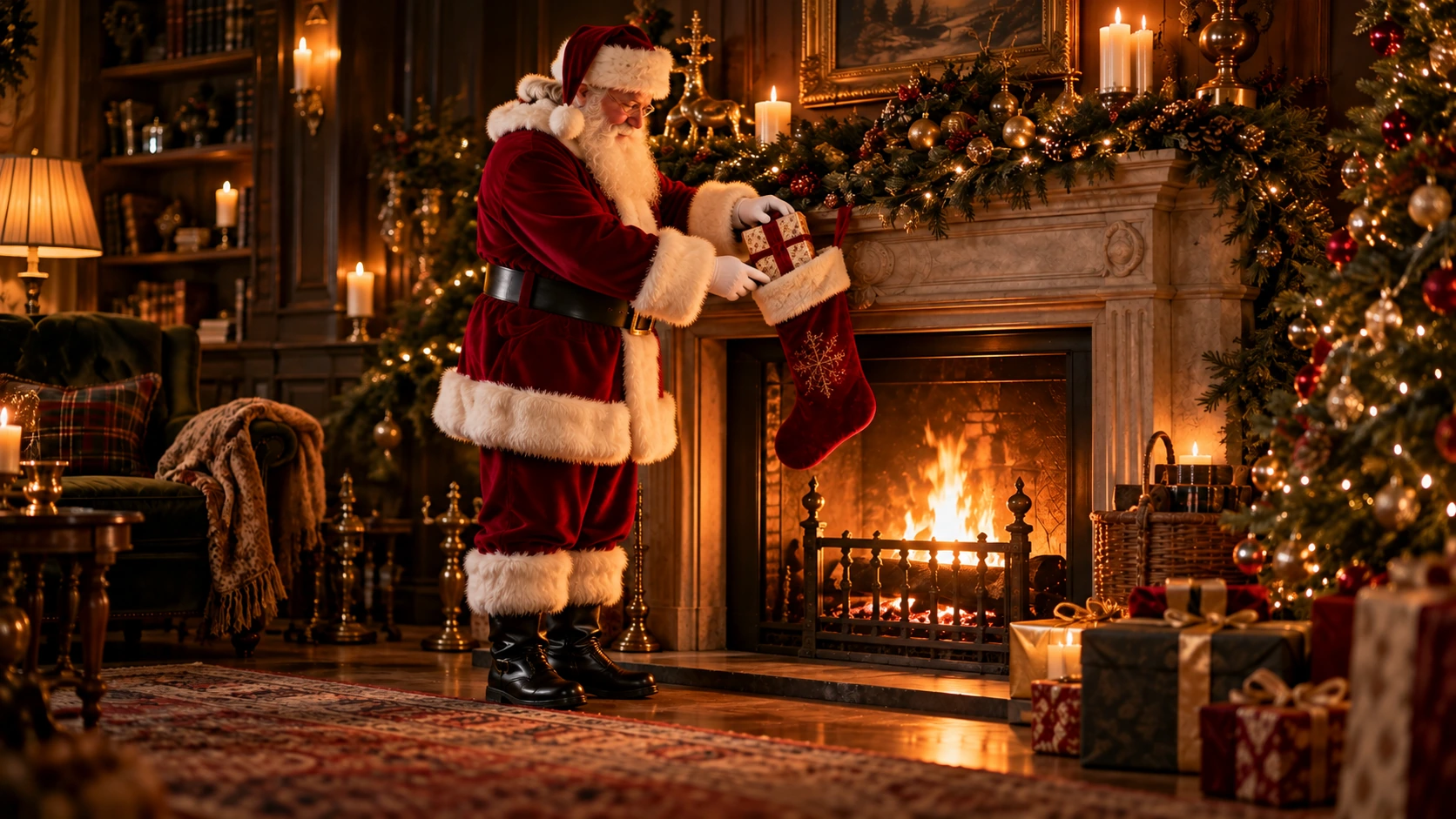
An extraordinary arrival.
01 · Your fireplace photo
Bring your Christmas
into the story.
Upload a fireplace photo from your computer or phone, or take one now. Making a surprise? You can also use a photo of the recipient’s room. Keep the full opening in view.
Choose photo works on laptops and phones. Take photo opens a guided camera when available. JPEG or PNG, up to 20 MB. Your photo stays on this device.
Opening your Christmas scene…
02 · Santa’s way in
A perfect fit for the magic.
Drag the box over your fireplace opening. Pinch with two fingers or drag an edge to resize. Keep the mantel and surround outside.
Fit the gold frame to the inside opening, then see the magic.
Inside the gold frameSanta’s visit appears here. Your mantel, decorations and room stay yours.
Drag inside to move. Use the sliders to resize, or focus the box and use arrow keys to move it.
For an angled fireplace, drag each corner to fit. Arrow keys adjust the selected corner.
03 · A little finishing magic
Just as you imagined.
There’s Santa, inside your own fireplace. Make a little adjustment if you like, then keep the moment.
The magic stays inside the opening you marked.
04 · Your Christmas keepsake
How will you remember it?
A magical photograph, or the moment Santa arrived. A little Christmas wonder to keep and share.
Your keepsake carries our small signature of Christmas magic.
A little Christmas magic…
Making a moment to remember.
Your Christmas keepsake
A little magic. Forever yours.
A little signature. A Christmas memory to treasure.
Save opens your browser’s save options. Share is a separate option.